AI template
AI Chatbot
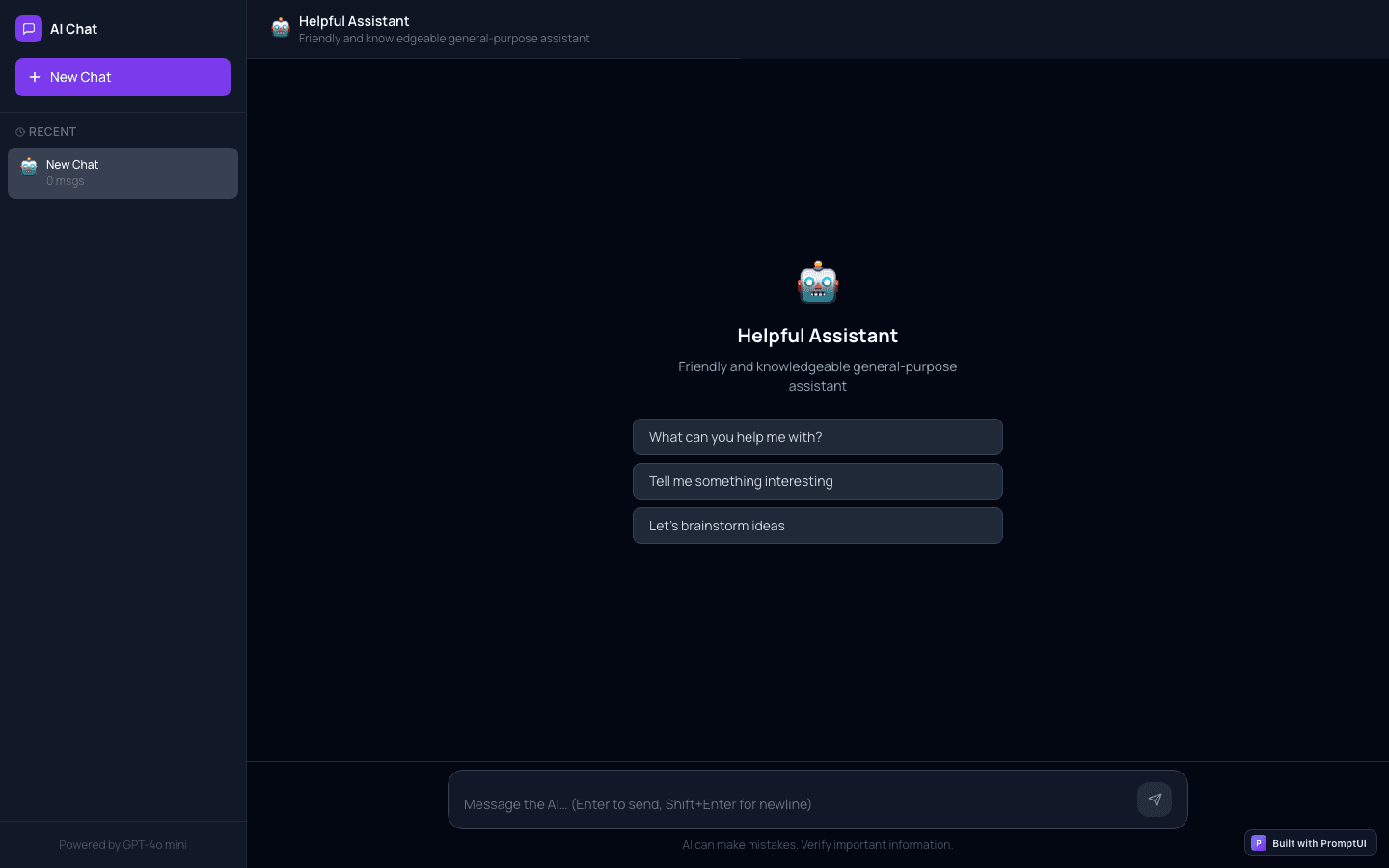
GPT-powered chatbot with conversation history, streaming responses, and persona selector.
Who it is for
Teams adding a conversational interface without building the chat plumbing.
What it does
- Answer questions conversationally
- Give an assistant a context panel
- Prototype an AI product surface
Common in
The brief we build from
This is the exact instruction PromptUI starts with. You can change every word of it before or after the first build.
Build an AI chatbot app. Use the PromptUI AI Proxy at /api/v1/chat/completions (already available — no API key needed from the user). Include a chat interface with message bubbles, streaming responses that appear word-by-word, a persona selector dropdown (Helpful Assistant, Code Expert, Creative Writer), conversation history in a sidebar, and a "New Chat" button. The app should call the AI proxy with fetch() using the format: { model: "gpt-5.4-nano", messages: [...], stream: true }. Handle SSE streaming to show tokens as they arrive.Other ai templates
AI Content Writer
AI-powered writing assistant with templates for blog posts, emails, social media, and more.
AI Code Reviewer
Paste code and get AI-powered reviews with suggestions, bug detection, and refactoring tips.
AI Analytics Dashboard
Dashboard with AI-powered insights — ask questions about your data in natural language.
AI Support Agent
Customer support chatbot with FAQ lookup, ticket creation, and human handoff flow.
Start from this template
PromptUI builds it, checks that it actually runs, and helps you put it online. Free to start.
Build this