Business template
Appointment Scheduler
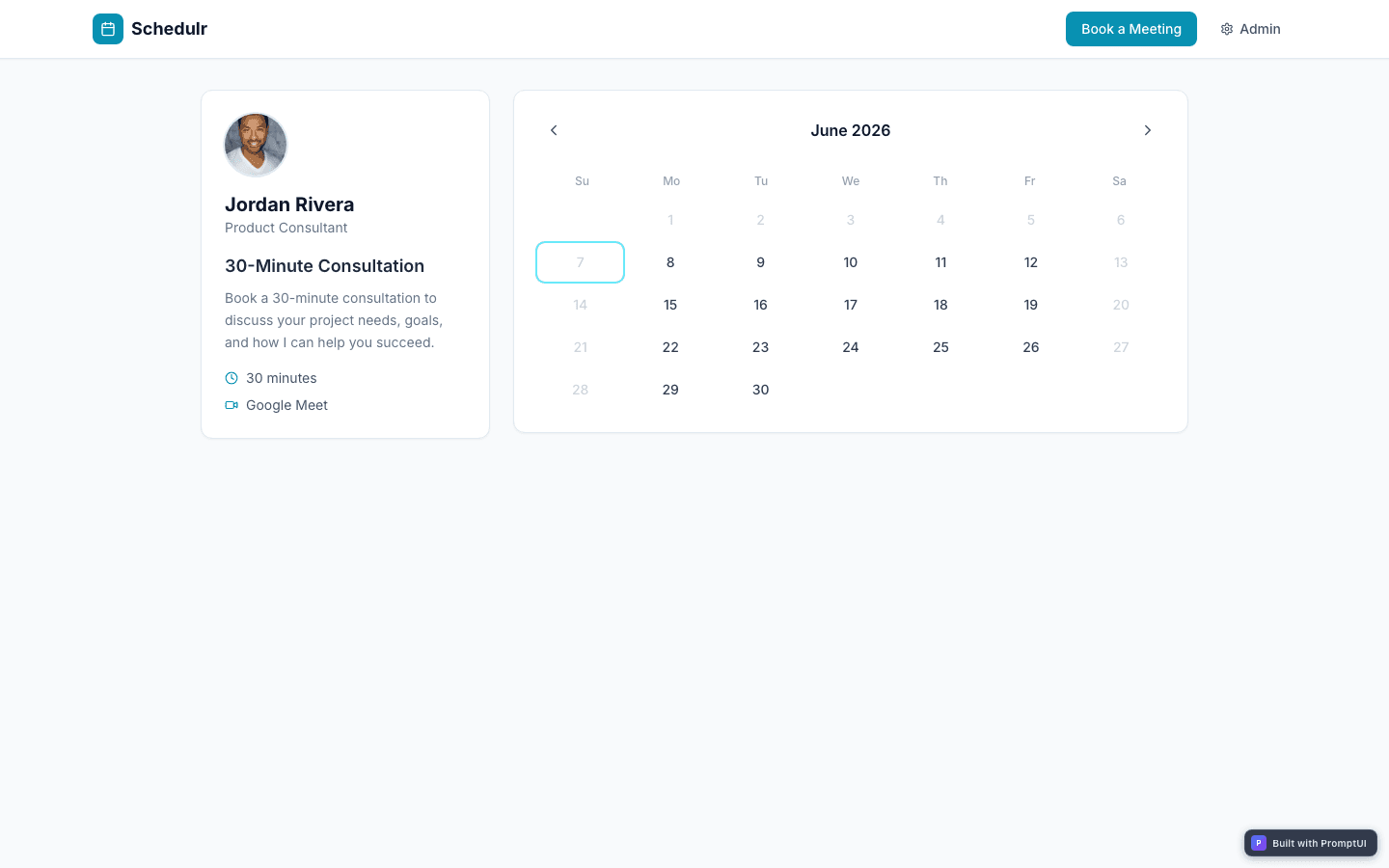
Booking page with services, a calendar and time slots. On a published site, requests land in your Customers inbox, where you confirm the time.
Who it is for
Anyone taking bookings by message today — salons, clinics, tutors, consultants.
What it does
- Take and confirm appointments
- Show your open times
- Cut no-shows with reminders and confirmations
Common in
The brief we build from
This is the exact instruction PromptUI starts with. You can change every word of it before or after the first build.
Build an appointment booking site for a local service business, such as a salon, clinic or tutor. On the public booking page a customer picks a service, a day on a calendar and an available time slot, then sends a booking request. Make the booking form one real HTML <form> with a submit button, and keep every choice in a named, visible form control labelled plainly: a service select labelled "Service" (name="service"), a date input labelled "Date" (type="date", name="date"), and a read-only text input labelled "Time" showing the chosen slot (type="text", readOnly, name="time"; never disabled and never type="time"), plus name (name="name"), a required email (type="email", name="email", required) and phone (type="tel", name="phone") and an optional notes textarea. Service, time-slot and calendar-day buttons must be type="button" so picking one never submits the form. Never keep the chosen service, date or time only in a hidden input or in component state. After submit, follow the form guidance for the status message and never say the appointment is booked or confirmed. Do not build an owner dashboard: the business reviews and confirms requests outside this site.
Other business templates
SaaS Dashboard
Admin dashboard with sidebar, metric cards, a data table, and dark-mode toggle.
Admin Panel
Full CRUD admin panel with users table, search, and modals.
Analytics Dashboard
Data analytics dashboard with charts, filters, and data tables.
Settings Page
User settings page with profile, notifications, billing, and security tabs.
Start from this template
PromptUI builds it, checks that it actually runs, and helps you put it online. Free to start.